
Assign Plan
Assign Plan
In this section, we’ll guide you through the process of assigning a plan. Please follow the steps below:
Figure 163:
Step 1: Go to the “Plan Assignment” page.
Step 2: In Part 1/2, you need to select and add a “New Plan”.
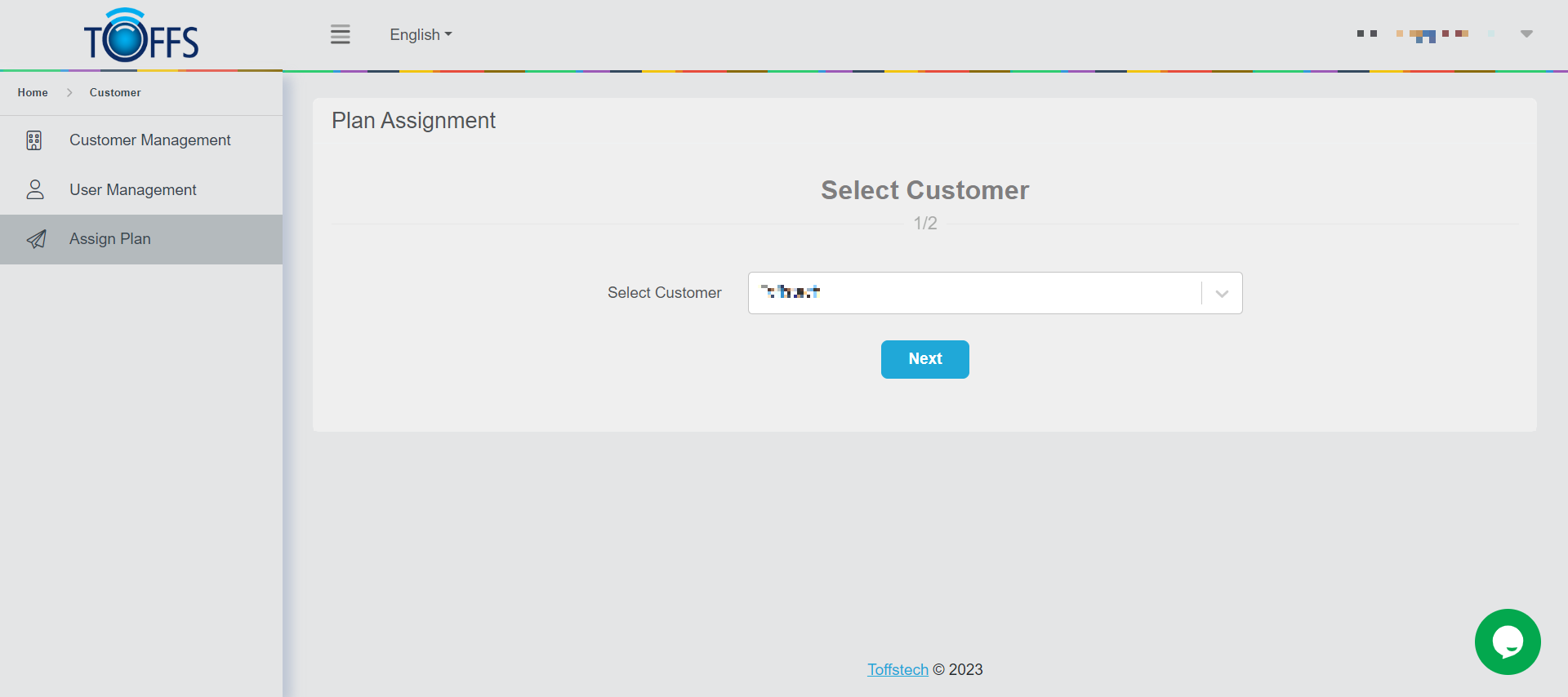
Figure 216
Step 3: Move on to Part 2/2, where you can either downgrade, upgrade, or extend the current subscribed plan.
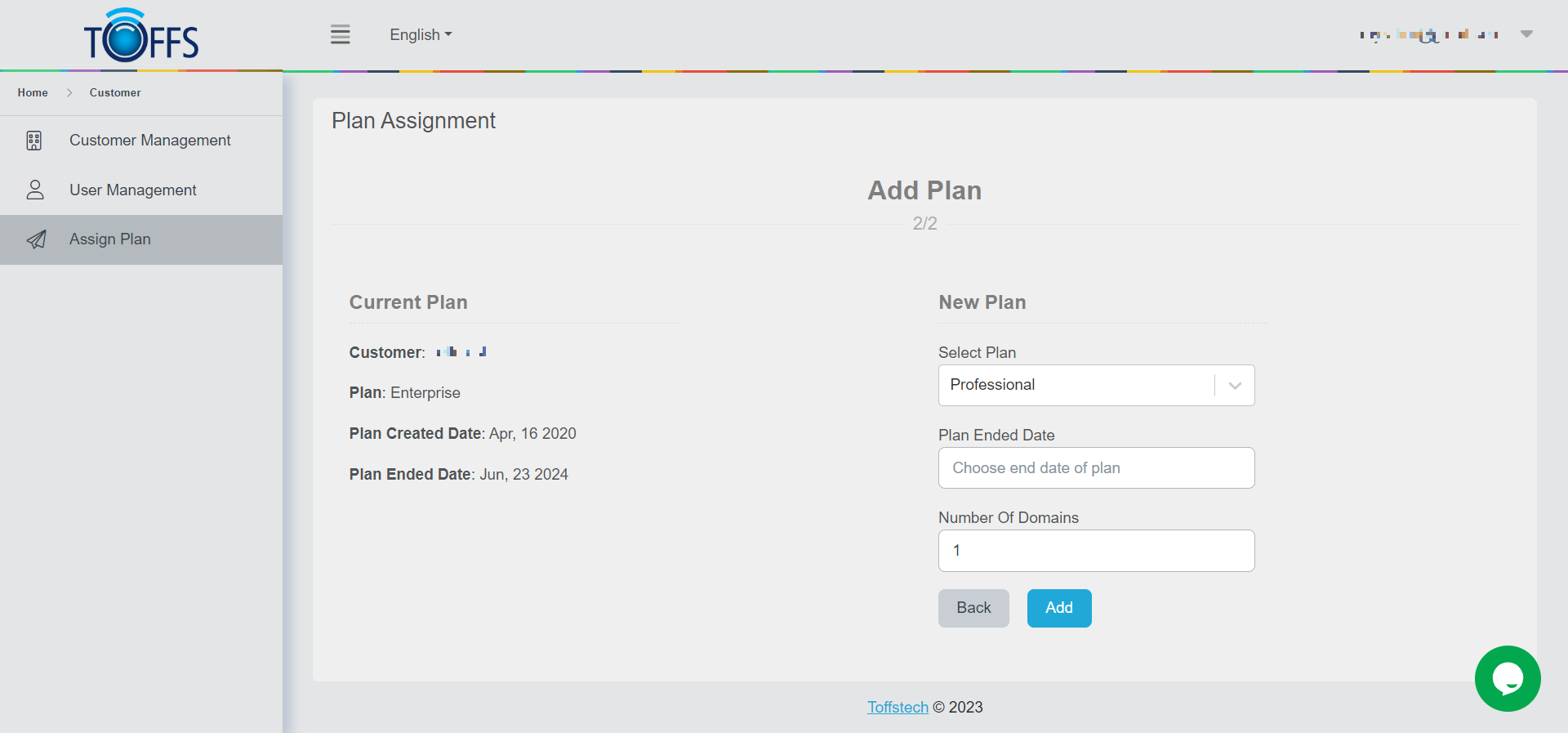
Figure 217
Click “Add” to complete the process, or click “Back” to return to Part 1/2 if you need to make any changes.
Please contact Toffs Security Operation Center for assistance if you encounter any issues.