
Node
Node
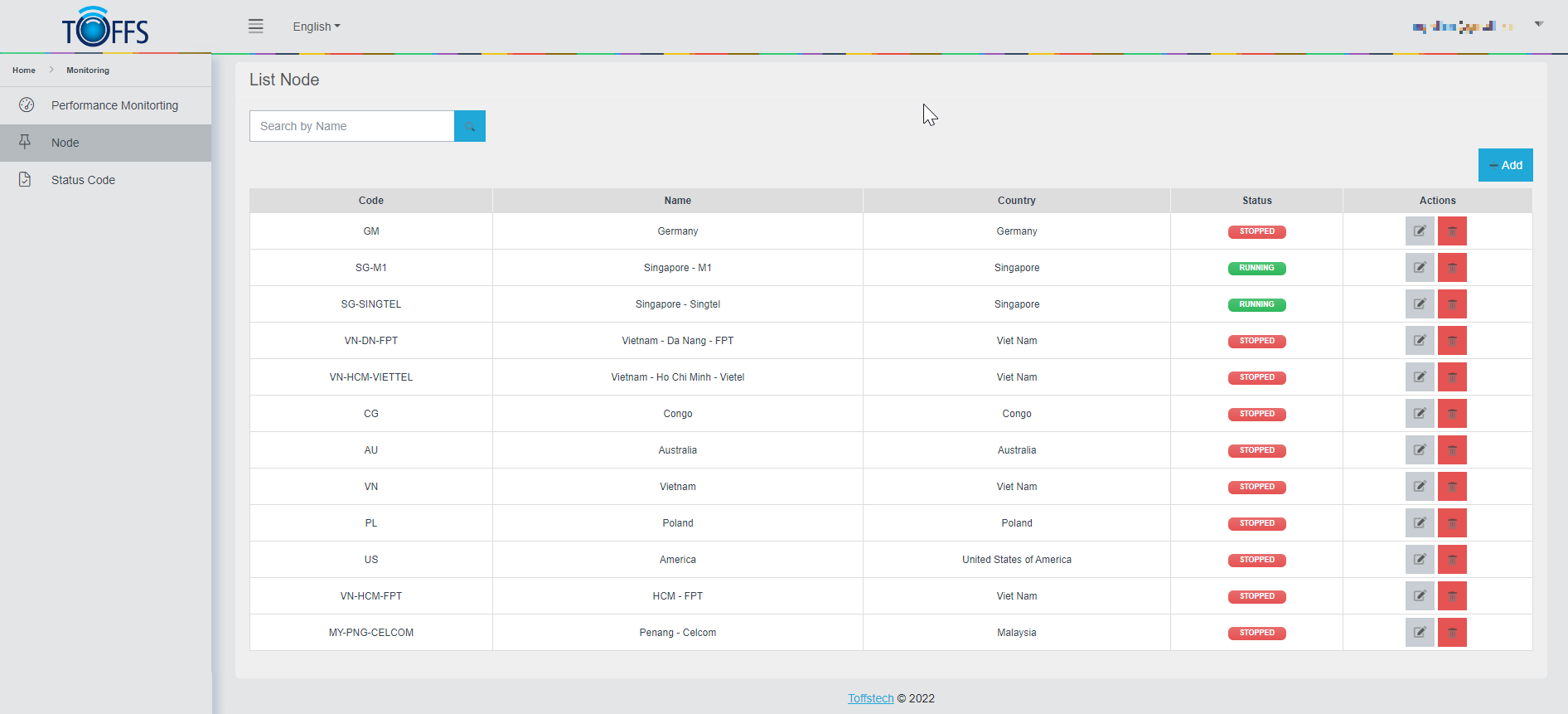
Figure 272
The **“Node” **page, an essential tool for Toffs Technologies Support Team. Here, you’ll find detailed information about how to check the performance of our website by utilizing specific nodes.
Nodes are strategically positioned within end-users’ computers, enabling us to monitor the application’s performance when connected via consumer ISPs. By doing so, we can effectively identify and address regional issues, as well as verify observations made from these nodes.
To automatically set up a node in your computer, simply follow these steps:
Click on the provided link to initiate the automatic setup process.
Additionally, you can use the following functions to manage nodes:
- To add new nodes for monitoring, click on the “+Add” function.
- If you need to make changes to existing node, utilize the “Edit” button to update the region details.
- If you no longer need to monitor a specific region, click on the “Delete” button to remove it from the node’s monitoring list.
By using this simple and effective approach, you’ll be able to efficiently monitor website performance and optimize the user experience.
Please contact Toffs Security Operation Center for assistance if you encounter any issues.